
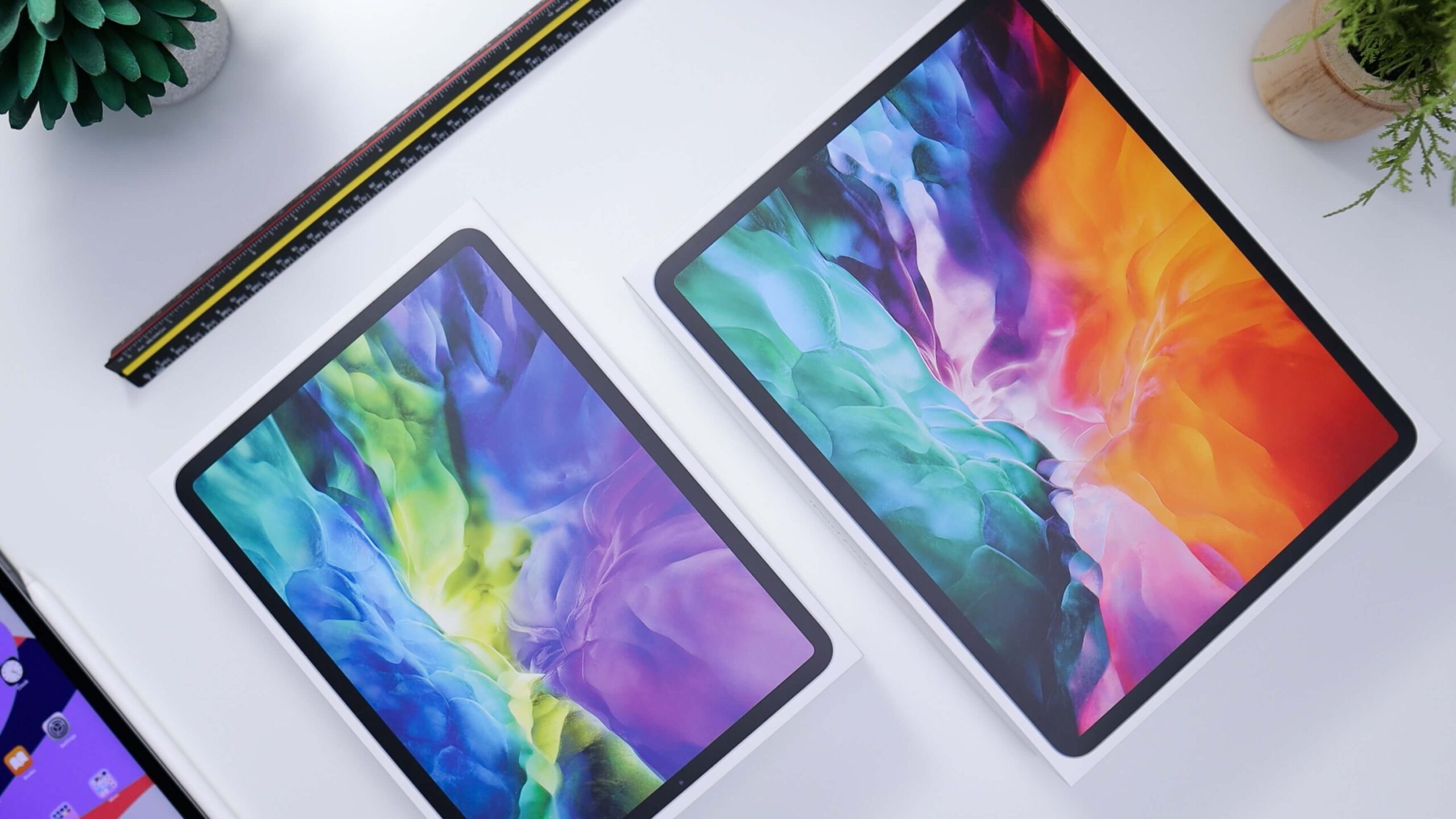
If you need to buy a tablet, you should definitely consider the Apple iPad.
And to convince you to make the move, we will be covering the top 5 reasons to buy an iPad in 2021 in this article. In particular, we will be focusing on its most important characteristics including its use as a graphics digitizer.
Portability and Convenience
Unlike a typical drawing tablet, which is solely a peripheral, an iPad does not require you to be connected to a computer.
That means you can take your iPad with you everywhere you go and start producing content whenever inspiration strikes, then save your work directly to your iPad.
We’d be negligent if we didn’t include the iPad’s many sketching and design applications. On the iPad, this contains Adobe tools such as Fresco, Photoshop Sketch, and Illustrator.
Even better, these Adobe iPad applications can be synced with your Adobe Creative Cloud account, allowing you to switch between working on your iPad and your desktop or laptop.
Versatility
A drawing tablet has only one purpose: to allow you to create or edit work on your computer. That’s obviously not a terrible thing, but an iPad can do a lot more than just serve as a sketching canvas for digital art.
For example, you may use your iPad for design work during the day and as a media center at night. You can use an iPad to play games, watch Netflix and other streaming media, surf the web, and send messages to family and friends.
You may also use a Magic Keyboard or Smart Keyboard to transform your iPad into a word processor.
If you want to use your iPad as an all-in-one hub for communicating with clients or even for other business related activities like generating invoices, this is a good option.
Apple Pencil
We cannot have a discussion of using the Apple iPad as a drawing tablet without delving into the characteristics of the Apple Pencil.
The Apple Pencil is one of the greatest sketching tools available, particularly for drawing straight on a screen. Whether you choose the original Apple Pencil or the new Apple Pencil 2, you’ll get a fantastic drawing tool – but it’s crucial to understand the differences.
The First and foremost difference is compatibility. Up until the 2019 versions of the iPad 10.2-inch, iPad mini, and iPad Air, the original Apple Pencil is compatible with prior iPad models.
The Apple Pencil 2 is compatible with the newest iPad Pro M1 models, as well as previous-generation iPad Pros (2018 and 2020) and the most recent iPad Air.
Then there are the characteristics. You’ll get good pressure direction, solid tilt-and-rotation recognition, and overall minimal latency regardless of the Apple Pencil you get.
The Apple Pencil 2 does, however, have a few more features, the most notable of which is a magnetic strip that allows you to charge it straight from an iPad Pro.
The original Apple Pencil requires an adapter to charge, which is inconvenient, but a 15-second charge provides roughly 30 minutes of use, so it’s not that bad.
Performance
Let’s not forget performance here.
Look no farther than the Apple iPad Pro 12.9 (2021) if you want the most powerful tablet money can buy (see our iPad Pro 12.9-inch M1 review here).
It has Apple’s cutting-edge 8-core M1 CPU, which is also present in current-generation MacBooks and iMacs. That means you can push the iPad to its limits by running many design applications at once (up to four at a moment) and editing 4K video in certain formats (see our best video editing apps guide).
The most recent iPad Pro also has an 8-core GPU that can render 3D objects.
Even if you choose the earlier Apple iPad Pro 12.9 (2020) as a cost-cutting measure, you’ll get the A12Z Bionic CPU with 8-core graphics engine, which is still a powerful piece of technology.
Meanwhile, if your artistic pursuits are more of a pastime than a profession, the 10.9-inch Apple iPad Air is a good alternative to the more costly iPad Pro versions. The A14 Bionic CPU in the newest iPad Air is capable of sketching and modest 4K editing.
Battery
Apple has created some pretty amazing display technology for the iPad too in order to achieve the promised 10-hour battery life on the iPad Pro, for example.
When there is no motion happening on screen, such as browsing through online pages, the screen may downclock itself to 30Hz, saving energy.
The display also contains pixels that remain “charged” (illuminated) for twice as long as ordinary panels, saving electricity once further.
Obviously, this battery life is only a potential, and it is dependent on you not utilizing specific capabilities all day: but there’s no doubting the iPad Pro, for example, delivers a lot of power in some situations, such as on a long-haul flight.
Need to buy an Apple iPad in Dubai or UAE?
Check out all the Apple iPads we have in stock.